
Do Solo Creators Still Need Canva?
For what I need, My AI assistant replaced Canva for my graphics and design work. Here's what Canva still does well and when it's worth keeping.
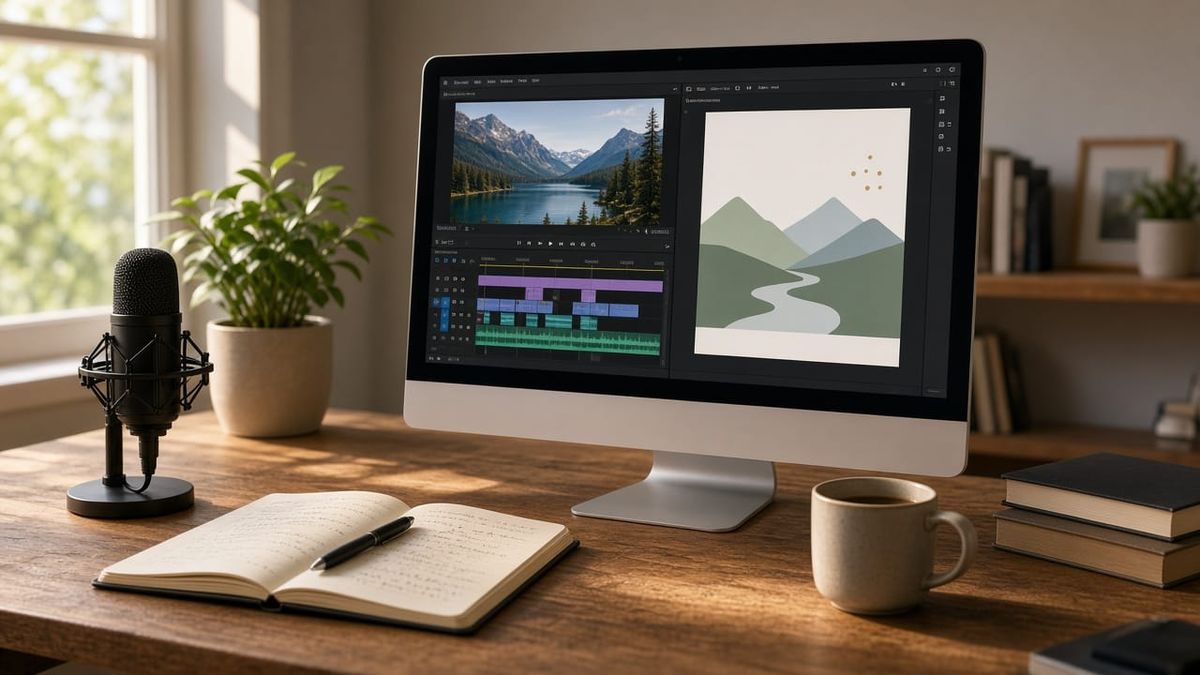
For what I need, I don't need Canva anymore. My AI assistant handles the graphics and design work I used to open Canva for, and it fits the way I work better.
I paid for Canva for a while, and it earned its spot. But I'm one person, and I kept asking a simple question: am I paying for a tool I don't really use anymore? Once I started using my AI assistant for my images and graphics, the answer got clear. My GrizzlyRay patch and my stream graphics came from my AI assistant, not from a Canva template. That's my setup, not a rule. Canva still does some things really well, and if your needs look different from mine, it may still be the right call. Here's how I thought it through.
What Canva Still Does Well
I want to be fair here, because Canva is a good tool. If you're thinking about dropping it, you should know what you're giving up.
- Templates. The template library is huge. If you need a flyer, a social graphic, or a slide in ten minutes, Canva gets you there. That matters when you don't have a designer and you don't have time.
- Browser collaboration. Anyone with a link and a browser can jump in. No installs, no Mac required. For a team on different devices, that's a big deal.
- Brand kit. Your colors, fonts, and logo live in one place. That keeps things consistent when more than one person is making graphics.
- One-click resize. Make one design, then turn it into a story, a post, and a banner. It saves real time if you post in a lot of places.
If those four things are the heart of how you work, keep Canva. That's an honest answer. They just aren't the heart of how I work.
Where My AI Assistant Took Over
This is the real reason I don't need Canva anymore. I use my AI assistant every day, and it covers the design work I used to do there.
- Images. My AI assistant can generate images, so a feature image or a background doesn't have to start from a template.
- Graphics and design work. I describe what I want, look at what comes back, and ask for changes until it's right. For one person making graphics for one brand, that covers most of what I used templates for.
- Captions and show notes. Final Cut can export captions as an SRT file, which is plain text with timecodes. I can hand that file to my AI assistant and get show notes, a summary, or a cleanup pass on the captions. It can also help with FCPXML files, which describe a Final Cut project as text. You don't need to be technical to use the SRT side of this. It's a text file.
It isn't that Canva got worse. It's that the work I used it for moved somewhere else.
For Video: Apple Creator Studio
Canva was never my video tool, so dropping it doesn't leave a hole there. For video, audio, and photo editing, Apple Creator Studio is what I use.
Apple launched Apple Creator Studio on January 28, 2026. It's one subscription for $12.99 a month or $129 a year, with a one-month free trial for new subscribers, according to Apple's Creator Studio page.
Here's what's in it:
- It bundles Final Cut Pro, Logic Pro, and Pixelmator Pro on Mac and iPad, with Motion, Compressor, and MainStage on Mac. It also adds premium templates, a royalty-free media library, and AI features in Keynote, Pages, and Numbers.
What that means for you: video, audio, and image editing for one price, plus premium extras in apps you may already use for slides and documents. And with Family Sharing, you and up to five other people can share it. If a spouse or a partner also makes content, that changes the math.
One thing to know before you sign up. Apple says your Final Cut Pro, Logic Pro, and Pixelmator Pro projects stay on your devices if you cancel, but you need an active subscription to open or edit them. If you'd rather own the software, the one-time Mac purchase is still there. Final Cut Pro is $299.99 on its own, and Pixelmator Pro is $49.99.
The Features That Matter for Solo Creators
A few Final Cut Pro features save real time when you're doing everything yourself:
- Transcript Search. Type a phrase and find where someone said it. Apple says it needs a Mac with Apple silicon and works in U.S. English only. If you edit interviews, podcasts, or long live streams, this means less scrubbing through hours of footage.
- Voice Isolation. It pushes human voices forward over background noise. Useful when your audio came from a noisy room.
- Auto captions. Final Cut can transcribe speech into captions. Larry Jordan compared captioning in Final Cut Pro, Premiere Pro, and Resolve and found Final Cut was the fastest but the least accurate of the three. So plan to proofread. Fast isn't the same as finished.
Pixelmator Pro adds templates and mock-ups for social and print, if you ever want to fine-tune a graphic by hand.
The Free Option: DaVinci Resolve
If the budget is zero, look at DaVinci Resolve. The free version edits and finishes up to Ultra HD at up to 60 frames per second, and it runs on Mac, Windows, and Linux. That's a lot of tool for free.
The trade-off: some of the AI features live in the paid Studio version. Blackmagic lists AI voice isolation as a Studio feature, and Larry Jordan notes that speech-to-text captions need Studio too. Studio is a one-time purchase, listed at $295. Blackmagic is running a sale at $236 through November 20, 2026, per ProVideo Coalition.
A Simple Comparison
| Canva (paid) | My AI Assistant + Apple Creator Studio | DaVinci Resolve Free / Studio | |
|---|---|---|---|
| Price | $144 a year, or $18 a month (Pro, one person) | $12.99/mo or $129/yr for Creator Studio, plus your AI assistant plan | Free, or $295 one-time for Studio ($236 on sale through Nov 20) |
| Best at | Fast templates, browser teamwork, brand kit, one-click resize | Graphics and design work with an AI assistant, plus video, audio, and image editing on Mac and iPad | Serious video editing and color at no cost, on Mac, Windows, and Linux |
| What you give up | Deep video and audio editing | The big template library and easy browser sharing. Needs Apple devices | AI captions and voice isolation in the free version. Steeper learning curve |
What I'm Actually Doing
Here's where I landed:
- Use my AI assistant for images, graphics, and design work.
- Use my AI assistant for caption cleanup and show notes.
- Use Apple Creator Studio for video editing.
- Dropped paid Canva. I already cancelled it.
Don't throw out the baby with the bathwater. If Canva's templates and sharing keep your team moving, that's worth paying for. But if you're one person and you already use an AI bot for your graphics, you might be paying for something you don't use anymore.
Here's my question: if you looked at what you made last month, how much of it actually needed Canva?

Comments ()