
The Case for Local AI
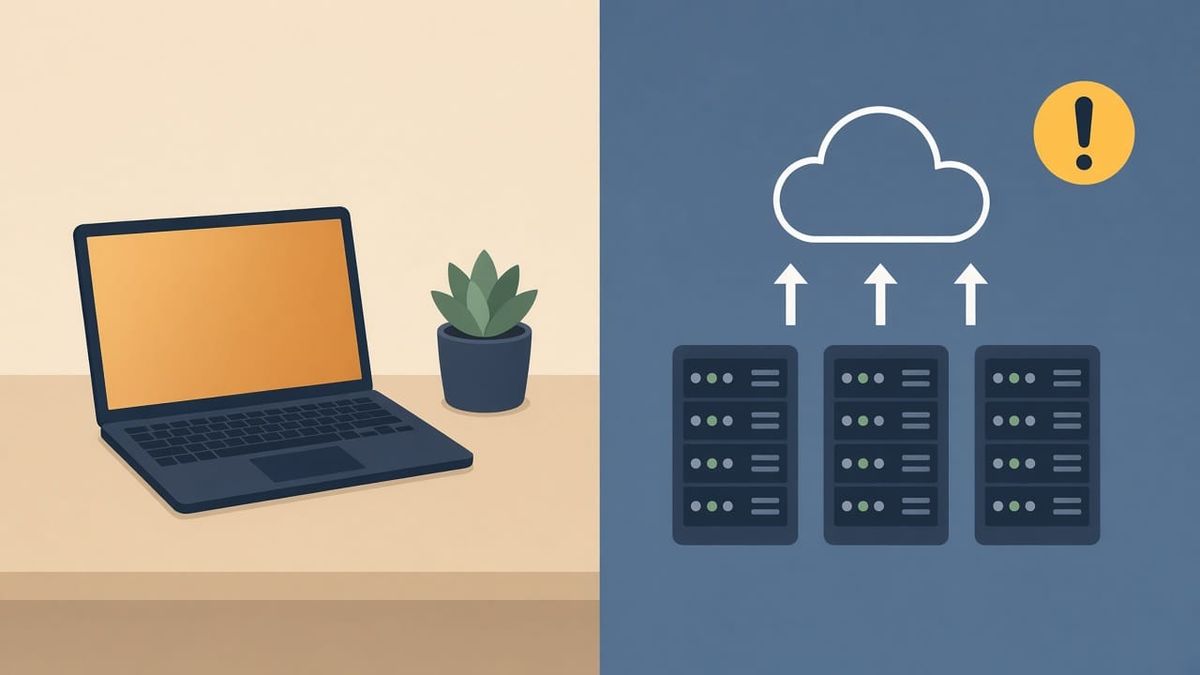
Most people never asked themselves why they are paying per token to think with someone else's machine. A small shop owner writes 30 emails to vendors a day. Each one goes through a cloud model. At a few cents per prompt, that is about $12 a week, more than $600 a year, for what should be free. This is not a privacy rant. This is a practical article about what happens when the tool you depend on for work starts owning you.
What you're paying for
Cloud AI pricing looks cheap until it does not. A few dozen prompts a day adds up. Long context windows cost extra. API calls for automations add up faster still. For a small business or a creator running AI into workflows, the bill is a recurring line item with no ceiling.
You also lose something less countable: control. A cloud provider can change pricing, throttle your access, rotate models, or shut down without warning. You cannot run a tool like that inside a business and call it stable.
Three reasons local matters
1. You keep the data
Every prompt you send to a cloud model passes through their infrastructure. Log retention, third-party processors, training on user data. A contractor pricing a $200,000 renovation sends the scope of work to a cloud model. A veteran writes a draft application for a small business grant through the same service. That content sits on someone else's servers, and the company that runs the model can see every word. Local means what it says. The model runs on your machine. Your prompts never leave it. If you are drafting client proposals, pricing sheets, or personal writing through a cloud LLM, your words go somewhere. Local keeps them yours.
2. Pricing you can plan for
Local AI starts with a hardware purchase. After that, running a model costs electricity, which is negligible compared to a monthly subscription. No per-token pricing. No surprise overages. No tier upgrades. Some software costs money, but the ongoing bill is a fraction of cloud usage.
The hardware question is real, but it is one time. A machine like a MacBook with 64GB of unified memory handles a 35-billion-parameter model at full quality. That machine does everything else too. The AI cost is zero thereafter.
3. No vendor lock-in
Cloud models change without your say. A provider pushes an update and your output quality shifts. They deprecate an endpoint. They add content filters. They rotate the model lineup. You have no control over any of that.
Local gives you a tool that behaves the same today, next month, and next year. You lock the model. You test updates before applying them. The tool does not change because a vendor decided it should.
Where cloud still wins
I will not pretend local is better at everything. It is not.
Cloud models are faster. A dedicated GPU cluster will outpace any consumer machine on raw tokens per second. The quality ceiling on cloud models is also higher. The largest, most capable models simply do not fit on consumer hardware yet.
If you need creative polish on a key headline or a mission sentence where every word must land on the first try, cloud is worth the trip. Use local for the heavy lifting. Use cloud as a spot tool when you need that extra quality lift on the final polish pass.
The best setup runs both. Local for daily work, drafts, research, and iterative refinement. Cloud for the occasional polish pass. That is not compromise. That is efficiency.
What you actually need
You do not need a supercomputer. You need a machine with enough memory to hold the model in RAM. That is it. Everything else follows from that single number.
Memory is the bottleneck
A quantized model takes roughly half its parameter count in gigabytes. A 7B model at 4-bit quantization needs about 5GB. A 35B model needs about 21GB. A 70B model needs about 40GB. That is the rule. The rest is headroom for your operating system, applications, and the model's context window, which is the maximum text the model can hold in its working memory at once.
Rule of thumb: give yourself at least 8GB of headroom above the model size for smooth operation. A 35B model at 21GB plus 8GB headroom means 30GB of usable memory minimum.
RAM is the real constraint
Before listing the tiers, one thing you should know about buying a PC today. Consumer memory prices have been in a structural shortage since early 2026. Samsung, SK Hynix, and Micron have allocated a growing share of their DRAM fab capacity to high-bandwidth memory, which feeds AI accelerators and carries far higher margins than the DDR5 sticks that go into desktops and laptops. The result:
- A 32GB DDR5 kit that cost $90 a year ago now sells for $375-400 (up 320-340%, prices as of September 2026, tracked by WhereIsMyRam and Tom's Hardware)
- A 64GB DDR5 kit that cost $200 now clears $870-1,272 (up 335-536%, prices as of September 2026, tracked by WhereIsMyRam and Tom's Hardware)
- The cheapest 128GB DDR5 kit tops $3,000
TrendForce expects prices to keep climbing through 2027 and does not expect normalization until 2030 (source: TrendForce July 2026 outlook). Memory is now the most expensive line item on a PC parts list, not the GPU.
This does not affect Apple Silicon. Unified memory on M1, M2, and M3 chips is baked into the SoC. A used MacBook Pro with 64GB of unified memory has appeared more stable in price than PC parts during this shortage.
That price stability is one reason Apple Silicon has become the most practical entry point for local AI in 2026.
Three hardware tiers
A used Mac is the practical path at every tier right now.
Budget ($400-800 used market)
A used M1 MacBook Air with 16GB. It can run 7B to 14B models comfortably. A 7B model is fast and good for simple tasks like code assistance, summarization, and basic drafting. A 14B model thinks more deeply and writes better. The Air has no fan, so long sessions throttle. You get the job done, and the entry cost is low enough to try without commitment.
This is actually where veterans should look. The used market for Apple Silicon Macs has crashed. These prices reflect the used market resetting after Apple Silicon became standard. I found decent machines for a fraction of their original price. The hardware is still fast enough for daily work. You just pay for what it was worth three years ago.
Mid-range ($1,200-2,000 used)
A MacBook Pro with M2 Pro or M3 Pro, 36GB RAM. This is the sweet spot. You can run 14B to 35B models with decent context windows. A 35B model thinks more deeply and writes better, close to what most cloud models offer for daily work. A 35B model on 36GB leaves just enough room to breathe for long drafts and research threads. This is the tier I recommend for anyone serious about daily use.
A comparable PC build with a modern CPU, a 24GB RTX 4090, 32GB of DDR5, and the rest of the parts now costs $2,200-3,000. The memory alone is $375-400 for a 32GB kit, up from about $90 a year ago. The GPU runs $1,600-2,000 new on its own. Mac wins on price here.
Serious ($2,000-3,000+ used)
A used M2 Max or M3 Max with 64GB to 96GB. This is what I run. A 64GB machine handles a 35B model with plenty of headroom for context windows large enough to process hundreds of pages of text at once. A 70B model on 96GB gets close to the quality of the best cloud models on most tasks. You can run bigger models on that config, though you will want 96GB to be comfortable. This tier is where local AI starts matching cloud quality on most tasks.
A 64GB Mac used for $2,000-2,500 does what a PC needs $4,500-6,000 to match: a high-end GPU, 64GB of DDR5 (now $870-1,272 alone), a workstation-class motherboard, and a 2TB SSD. The memory shortage makes serious local AI on PC a significant investment. Mac is the practical path.
GrizzlyRay is committed to factual accuracy and affordability for our audience. We do not sell hardware or accept hardware manufacturer sponsorship. Our recommendations are based on what works, not what pays us to recommend.
Software
The software question matters more than the hardware. There are several good options. Ollama is the lightest: download it, pick a model, run it. LM Studio gives you a visual model selector in a desktop app. Text Generation WebUI is more configurable but heavier. Each one handles the same basic job: loading a model and giving you a chat window. The differences are in features and workflow.
Hermes Agent takes a different approach. It includes session management, persistent memory, and tool access alongside the chat window. It is one of the few options that gives you a full assistant rather than just a model interface. That is a feature, not a judgment. If you want simple and fast, Ollama works. If you want a full assistant with memory and tools, Hermes is worth considering. If you want a visual interface with no setup, LM Studio. All of them keep your data on your machine.
You get a full AI assistant running locally. No API keys. No monthly fees. No vendor lock-in.
You do not need to be technical to do this. Most tools work like any other app on your computer. Download the program, select the model that fits your machine, and start typing. The software handles the rest. There is no command line required unless you want it. If you can install an app and type a question, you can run a local LLM.
How to get started
Start with hardware, not software. Pick your machine tier first. Then try the tool that matches your needs. Ollama for speed, LM Studio for visuals, Hermes for a full assistant. All three keep everything on your machine.
Pick your hardware tier first. Then pick your software. Then start. The rest is experimentation.
The bottom line
Local AI is not about being a purist. It is about having a tool you own. You can always use cloud when it makes sense. But the work that matters most should be yours to control, free to iterate, and private by default.
Running a local LLM is the closest thing we have to buying a tool that actually belongs to you. Everything else is a subscription you don't control.



Comments ()