
How to Clear Digital Clutter and Boost Your Focus Fast
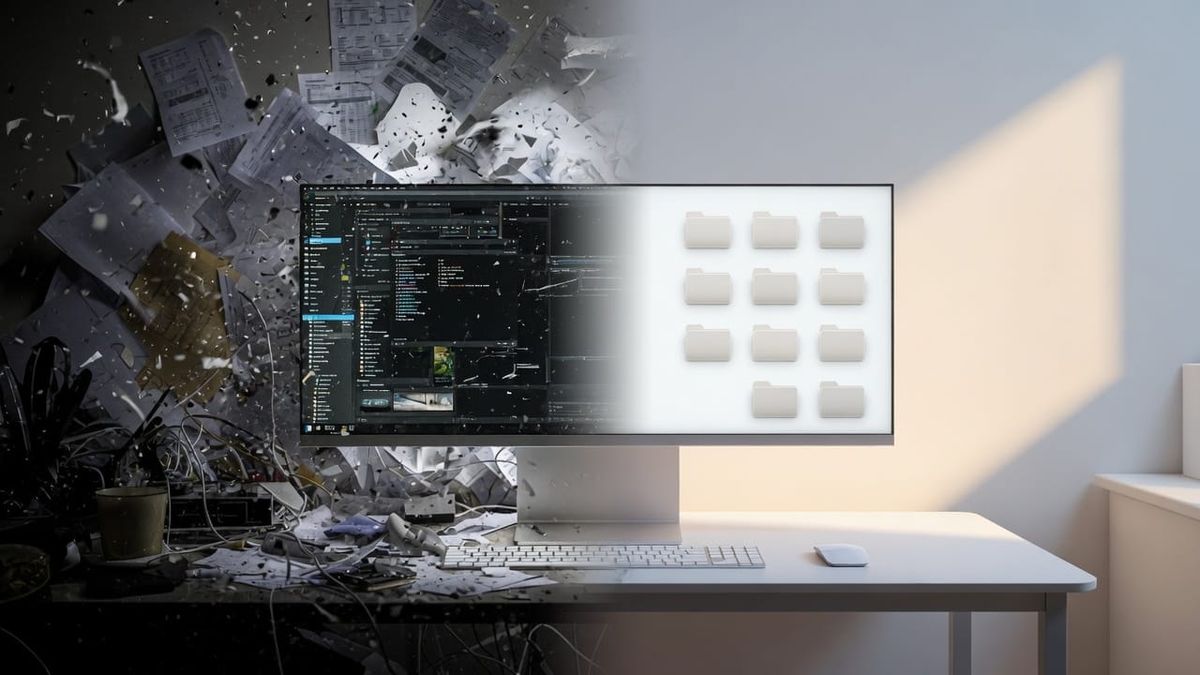
One of the biggest barriers to getting meaningful work done is invisible: digital clutter. A messy desktop, overflowing folders, and endless notifications quietly drain focus before you even start.
I run into this constantly in my own work. After years in IT systems administration, running several businesses, and managing life as a veteran, I have learned that taking just a few minutes upfront to get digitally organized makes everything else flow better. It is a small investment that consistently delivers better focus and results.
Why Digital Clutter Slows You Down
Your physical desk gets cluttered and it becomes harder to think clearly. The same thing happens on your screen. Scattered files, random downloads, and constant pings create mental friction. This is especially true when you are dealing with ADHD or trying to protect your energy for high-value work. Removing that noise lets technology work as a force multiplier instead of a distraction.
My Practical Pre-Work Routine
Here is the simple process I use before starting tasks or projects:
1. Clear non-relevant files Quickly scan Downloads, Desktop, and active project folders. Delete or archive old screenshots, duplicate documents, and anything not tied to current goals. Example: I set a timer for 10 minutes and ask, "Will I realistically need this in the next month?" Most items fail that test and get removed.
2. Put everything in its place Use a straightforward folder structure. Keep active projects visible, move reference files to dedicated folders, and archive completed work. The rule is simple: touch it once and decide where it belongs. This habit from my sysadmin days prevents the slow buildup that kills productivity.
3. Silence unnecessary notifications Review app settings and turn off anything that is not time-critical. Prioritize focus over constant connectivity. Even small changes here reduce context switching dramatically.
These steps usually take 10 to 20 minutes but save far more time and mental energy later.
Quick-Start Checklist
- Empty or sort Downloads folder
- Move Desktop items to proper locations
- Review and mute non-essential notifications
- Archive or delete 10+ old files
- Close unused browser tabs
The Real Payoff
Getting organized lowers the barrier to starting. You waste less willpower fighting chaos and build early momentum. I have watched this approach help other veterans and small business owners use their tools more effectively. Clean digital systems augment your efforts instead of draining them.
You do not need complex systems or hours of work. Start simple, stay consistent, and protect your focus as the valuable resource it is.
What Has Worked for You?
I would love to hear your experience in the comments. What digital organization habits actually stick for you? What approaches created more problems than they solved?
Share this post with anyone drowning in digital clutter. If you are a veteran or small business owner looking for practical ways technology can help you do more with less, stay tuned.
Clear the noise. Do the work that matters.
Comments ()